I started weather-history because I wanted to do more with my weather data than check the latest reading. I wanted to keep it, look back through it, and see how one day or season compared with another. The archive became one of those projects I kept finding reasons to open.
Acid Archive is the open-source version of that idea. The repository is called weather-archiver. It gives other people with a Weather Underground PWS API key a way to build their own local archive and explore it through the same Acid Burn dashboard family.
Bring your key. Pick a station.
You supply your own Weather Underground API key and a public personal weather station ID. Acid Archive downloads the available observations into SQLite on your machine. Each station gets its own database, so you can switch between archives without mixing their records.
The first backfill can be a manageable 90 days. From there, you can request a year, several years, or a custom date range. Longer histories take time to download, and availability depends on the station. Extending an archive skips days already fetched rather than starting over.
The public project includes neither my personal database nor a preconfigured station. It is a starting point for your own collection.
Give the archive somewhere to go
Saving observations is only half the fun. The dashboard gives you several ways into the history:
- Archive Home puts the archive’s recent conditions and historical context together.
- Day Dossier opens a particular day for a closer look.
- Compare Desk lets you put periods beside one another.
- Range Explorer gives a selected stretch of weather room to tell its story.
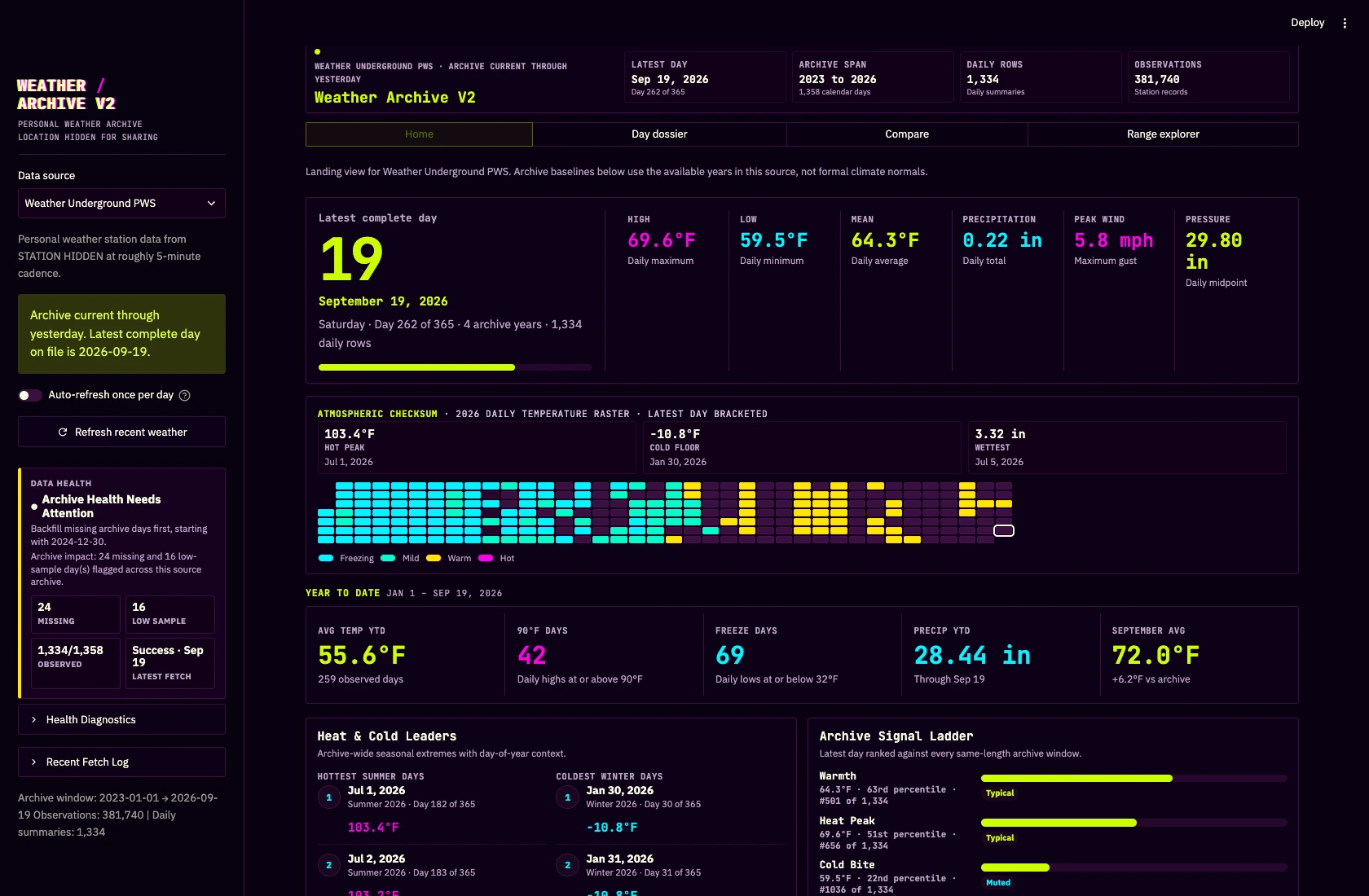
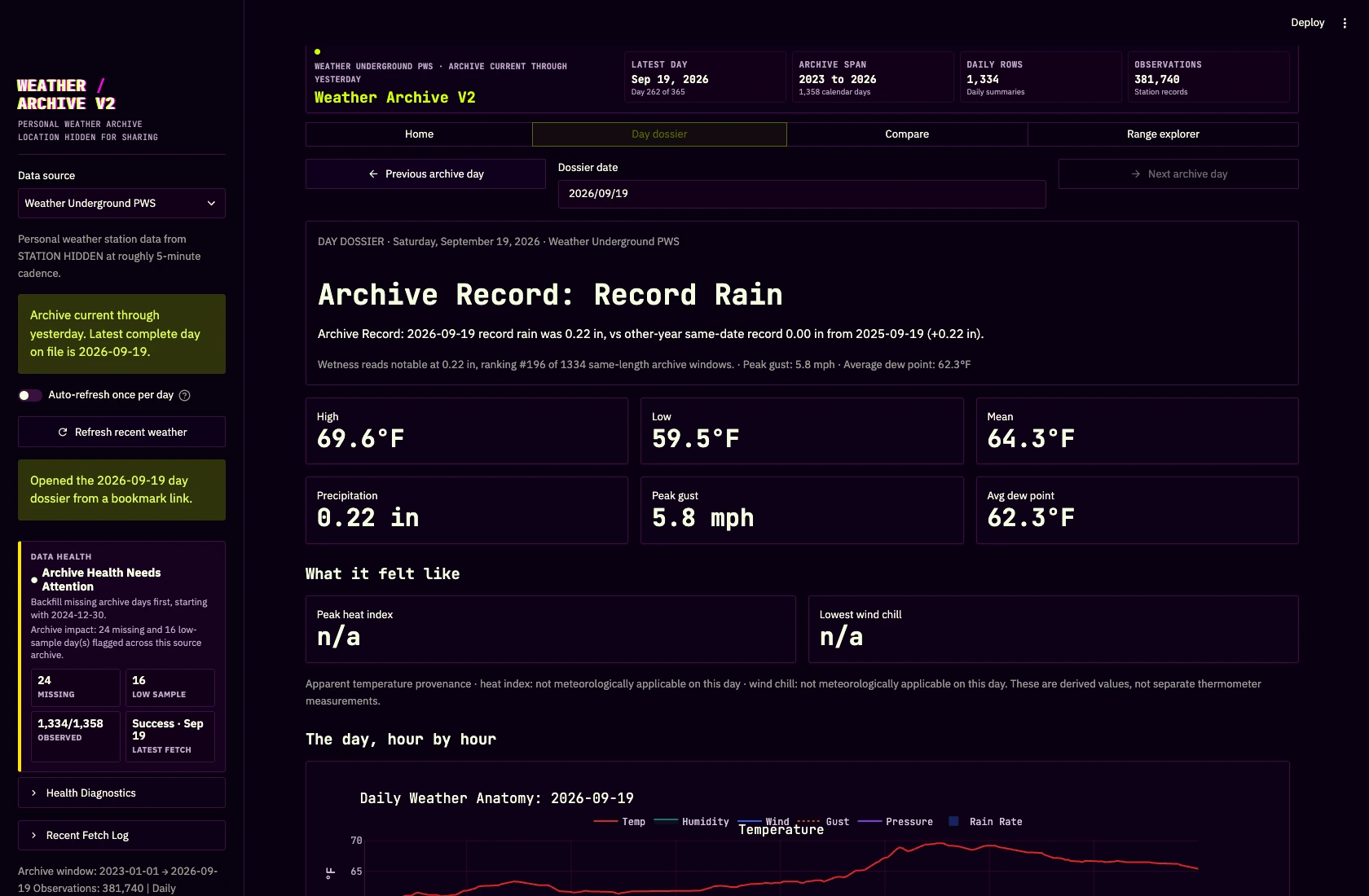
The optional Open-Meteo archive adds model history for a station’s location, but it remains a separate source from Weather Underground observations. That distinction matters when comparing what a station measured with what a model estimated. The archive is for looking back; it is not a live forecast.
Made to keep and tinker with
Acid Archive is a Python and Streamlit project with an MIT license. You can run it from the repository, use the command line to manage backfills, or install its Omarchy / Linux desktop launcher. The README walks through setup, API-key entry, adding a station, and extending the archive.
I wanted the thing I enjoy using to be useful to somebody else, too. If you have a Weather Underground API key and a station you care about, this is an invitation to give its history a home.