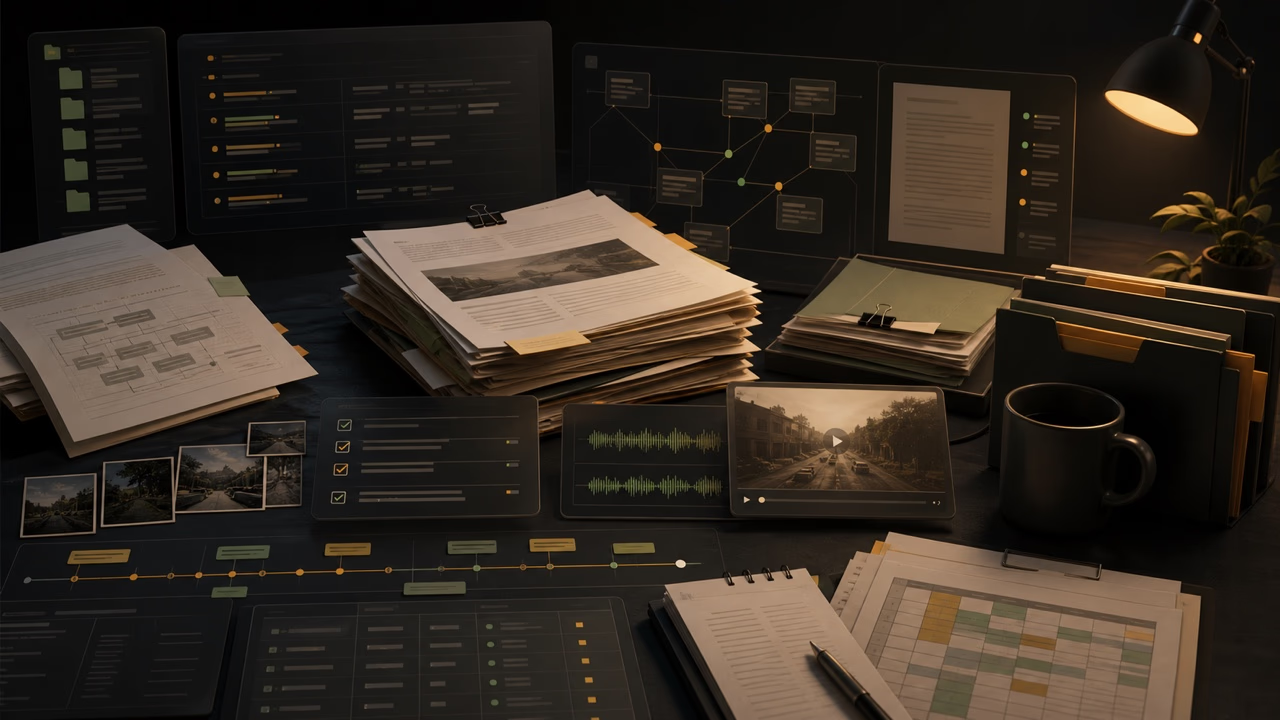
The internal AI litigation workbench is one of the projects I have been spending the most time on lately.
The short version is this: it is a local-first AI interface for document-heavy legal teams. Not a generic chatbot. Not a model picker. Not a blank text box where the user is expected to know the perfect prompt before the system becomes useful.
The starting question is simpler:
What do you need done?
From there, the user should be able to add files, describe the work in plain language, and get help with tasks like understanding documents, finding possible issues, building a timeline, comparing reports, transcribing media, reviewing discovery, or creating a first-pass case review packet.
The goal is not to make AI feel magical. The goal is to make it feel like a calm, reliable work surface.
Why a workbench instead of a chatbot
A lot of AI tools still assume the user wants to chat.
Sometimes that is fine. But legal work is often not shaped like a casual conversation. It is shaped like a pile of PDFs, Word files, scans, images, transcripts, reports, discovery folders, audio, video, notes, deadlines, and half-formed questions from people who are already busy.
The user may not know what to ask first. They may not know whether the system actually read the files. They may need a table, a packet, a chronology, a transcript, or a source list, not just a paragraph of text. They may also need to come back later and find the output without digging through a long chat thread.
That is the product problem I care about.
The interface should not begin with:
- choose a model
- pick a route
- write the perfect prompt
- understand the backend
- remember where the output went
It should begin with the work.
The user should see work, not plumbing
One of the main product decisions is to hide technical complexity from the normal staff-facing experience.
The user should see language like:
- Add files
- Start this work
- Working
- Recent work
- Download files
- Human review needed
- Use these files again
They should not have to see backend vocabulary, raw payloads, model IDs, service names, vector stores, or other implementation details that do not help them complete the task.
That does not mean the system is simple underneath. It means the interface has a job: translate a messy technical stack into a small number of understandable work actions.
Slow work needs visible progress
Some of the most useful legal AI tasks are not instant.
Reading files, converting documents, transcribing media, building a review packet, comparing reports, or packaging downloads can take time. If the interface just sits there, the product feels broken even when the backend is doing exactly what it should.
So visible progress is part of the design.
The user should see states like:
- checking files
- reading documents
- building output
- packaging downloads
- completed
- needs attention
This sounds basic, but it matters. A staff-facing tool should not make users guess whether it froze.
Outputs should be work products
A chat answer is not always the right final shape.
For legal work, a useful output may be:
- a Word report
- an Excel review table
- a ZIP package
- a timeline
- an issue list
- a source manifest
- a transcript
- an action register
- a comparison table
That changes the product design. The system needs recent work, status pages, download links, source summaries, failure recovery, and enough local history that useful outputs do not vanish the moment a chat scrolls away.
The workbench idea is partly about respecting that distinction. The chat can be one way into the work, but the work product is the thing the user actually needs.
File handling has to be honest
Legal users need to know what the system did and did not use.
If a file has not been read through a controlled document path, the interface should not imply that it has. If an answer depends on uploaded materials, the answer should make the source context clear. If the user wants to reuse the same files later, that should be an explicit action, not a hidden assumption.
This is one of the places where legal AI tools can lose trust quickly. A system that sounds confident while being vague about source use is not helpful. It is risky.
So the product has to be careful about file state, source reuse, and human-review warnings.
Human review is part of the contract
This tool is not meant to replace lawyers, investigators, paralegals, or support staff.
It is meant to reduce friction around repetitive, document-heavy work so people can spend more time on judgment.
That means the system can assist, organize, draft, compare, flag, transcribe, and package. It can help someone get oriented. It can create a first pass. It can point out possible gaps or contradictions. But the final legal judgment, factual verification, and strategic choices stay with humans.
That is not a disclaimer pasted onto the end. It is a product principle.
Local-first is a design choice
The current version is still a local preview, not a production deployment.
That matters for two reasons.
First, the material this kind of tool may eventually handle is sensitive. Privacy, retention, cleanup, authentication, authorization, logging, and exposure boundaries all need deliberate decisions before any wider deployment.
Second, local development lets me harden the workflow before pretending it is ready for everyone. I can test the interface, the wording, the file behavior, the progress states, the download flow, and the safety assumptions with much less risk.
The current direction is conservative on purpose: local access, explicit cleanup controls, staff-readable system checks, and guardrails against leaking backend details into normal pages.
The rough architecture
At a high level, there are three layers.
The workbench is the front desk. It asks what the user needs done, accepts files, shows progress, keeps recent work visible, and presents outputs in staff-friendly language.
The workflow layer is the back office. It handles heavier tasks such as document answering, transcription, comparison, first-pass review, artifact generation, and status tracking.
The local models and document tools are the engine room. They do the underlying AI and file-processing work, but the user should not need to think about them directly.
That separation is important. A professional tool should not expose every internal service just because the services exist. The user needs a reliable way to get from a work request to a usable output.
What it can do now
The current preview has the shape of the product in place.
It has a start page built around common legal-work starting points: understand these documents, find possible issues, build a timeline, compare documents, prepare for a hearing, review discovery, transcribe audio or video, draft or outline something, review a case folder, or create a first-pass case review.
It has file-aware chat, local preview chat history, saved file groups, recent work, work detail pages, progress states, failure recovery, local data controls, and a staff-friendly system check.
The first-pass case review workflow is the most important one right now. The idea is that a user can provide approved materials and get an initial review package that helps identify what the documents appear to contain, key facts, possible issues, missing records, contradictions or gaps, important people and dates, human-review warnings, and downloadable work products.
That is still a first pass. It is not a conclusion. But a good first pass can save a lot of orientation time.
What still needs work
The next pieces are pretty clear.
Same-file follow-up needs to get better. A user should be able to ask follow-up questions about the same files without re-uploading everything, but only when that reuse is explicit and the local file state supports it.
More package workflows need to become first-class: chronology packages, comparison tables, discovery review tables, hearing-prep checklists, and other outputs that fit the way legal teams already work.
The pilot-readiness layer also matters. Before any wider use, the product needs clearer readiness language, stronger policy decisions, better cleanup guidance, and deliberate choices around access, retention, audit, and support.
And the interface still needs polish. Tools like this should feel calm and reliable. If the UI feels jittery, vague, or overcomplicated, people will not trust it with serious work.
The broader lesson
The main thing I keep coming back to is that legal AI adoption is not blocked only by model quality.
It is also blocked by interface quality.
Even a good model can feel useless if the user has to know too much, if the files are hard to manage, if the output disappears into chat history, if progress is invisible, if privacy is unclear, or if the system talks like an API instead of a tool for real work.
The missing layer is not just “AI for law.” It is a workflow layer between local AI infrastructure and the staff-facing reality of legal work.
That is what I am trying to build.
A place where someone can bring messy documents, ask for useful work, see what is happening, get outputs they can inspect, and stay in charge of the final judgment.
Less blank chatbot. More workbench.